Install on your phone
Turn any song into a link everyone can open, right from your share menu.
Send music on any platform.
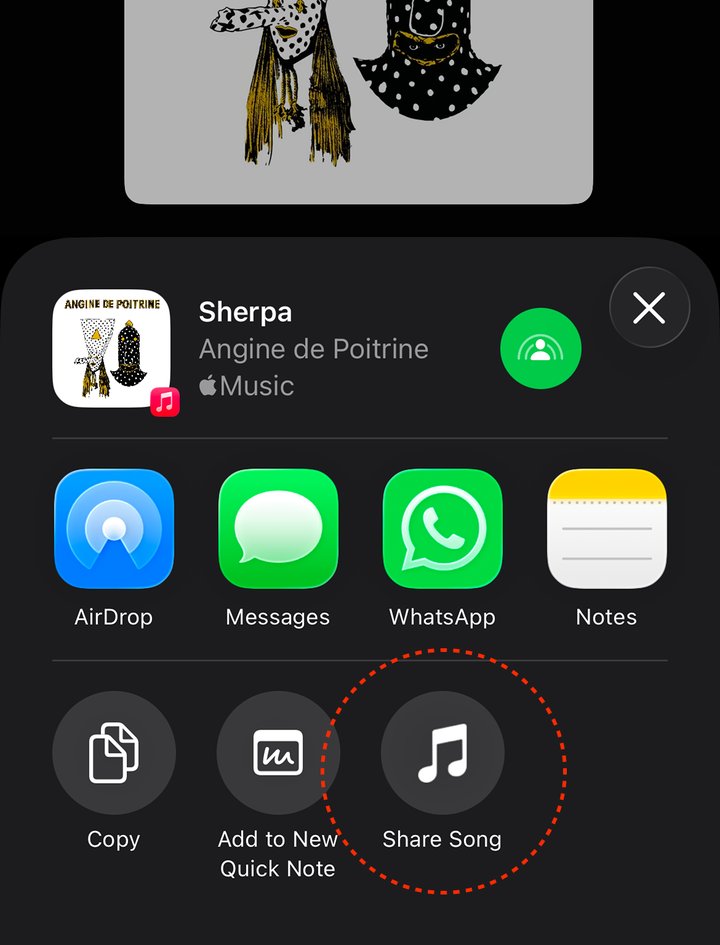
Add to iPhoneNext time you're on your music app, tap Share → ShareSong. Boom. One link for everyone.
I already have it — hide this- Tap the button above and confirm the install prompt.
- That's it! ShareSong is now an app on your phone and lives in your share menu.
- Next time you're on your music app, tap Share → ShareSong. Boom. One link for everyone.
Scan with your phone's camera
sharesong.app/install
ShareSong is designed for your phone's share menu. If you're on a computer, simply paste any song link directly on the homepage.